Guided Vision is a new mode in Gemini Live that describes what your Android phone’s camera sees, out loud, as you talk to it. Google launched it on October 1, 2026, for people who are blind or have low vision. It also tells you how to move the camera when the shot is off.
For the agencies and CMS teams who read this site, the interesting part is what the camera points at. It points at printed programs, room signs, menus, kiosks and slides. Much of that was designed by a web or communications team.
The short version: Guided Vision runs on Android 9 and later, inside the Gemini app, wherever Gemini Live is supported. Google has not published a separate price, and the camera feature it builds on has been free since May 2025. It is not a navigation aid, and Google says so plainly. It changes nothing about what WCAG asks of your websites and documents. It does make clear print design and good contrast matter to a new group of readers.
This piece covers what Guided Vision does, who can get it, privacy, similar tools from other companies, and what it means for your work. Facts are as of October 2026.
What Guided Vision in Gemini Live does
Gemini Live is the voice conversation mode in the Gemini app. You can already share your camera with it. Guided Vision tunes that camera mode for blind and low-vision users.
Google’s launch post calls it "voice-forward, real-time visual interpretation." You point the camera, ask a question, and hear an answer. If the camera is aimed too high, too close or off to the side, Gemini tells you how to fix it. Google’s examples are asking you to "pan slowly to the right, tilt downward, or step back."
Google lists five kinds of tasks:
- Reading fine print. Nutrition labels, appliance dials and menus.
- Finding objects in your immediate surroundings.
- Describing and matching. Colors, patterns and shapes, such as whether a shirt goes with a pair of trousers.
- Exploring a space. Overviews of unfamiliar rooms, layouts or items on a table.
- Talking in more than one language. Google says Guided Vision “supports conversations across multiple languages.”
Google says it worked with Aira to train the feature. Aira interpreted data for tens of thousands of hours, and more than 1,000 members of Aira’s Trusted Tester network tested the model. Google also cites testing with blind and low-vision communities in India, Brazil, Singapore, Indonesia, Japan and other countries.
Who can get Guided Vision, and what it costs
Google’s launch post says Guided Vision "is now available on Android devices running Android 9 and above in regions and languages where Gemini Live is supported." Google’s Android Accessibility Help page adds that it is "rolling out slowly over time," so some users will not see it yet.
| Question | What Google says | Where |
|---|---|---|
| Devices | Android phones on Android 9 and later; update the Gemini app and Android system software | Launch post |
| iPhone | Not mentioned; the launch covers Android only | Launch post |
| Countries and languages | Wherever Gemini Live is supported; no list given | Launch post |
| Accounts | Personal Google account, or a work or school account with access to Gemini Apps | Gemini Live help page |
| Price | No price stated for Guided Vision; Gemini Live camera sharing has been free since May 2025 | Launch post; Google I/O 2025 post |
| Rollout | Gradual; may not be available to everyone yet | Accessibility Help page |
On price, Google said at I/O in May 2025 that it was making Gemini Live camera and screen sharing "available to everyone on Android and iOS for free." The Guided Vision posts do not mention a paid plan. We read that as free to use, but Google has not said so for this feature specifically.
How to turn on Guided Vision
There are three ways in, all from Google’s launch post and help page.
- In the Gemini app. Tap your profile picture or initial, open Settings, and turn on “Use Guided Vision in Live.” Then start Gemini Live and share your camera.
- With an Android accessibility shortcut. Go to Settings, Accessibility, Vision assistance, Guided Vision. Set it to launch from the floating accessibility button, a two-finger swipe, or by pressing both volume keys.
- From TalkBack. With TalkBack on, tap the screen with three fingers to open the TalkBack menu, then pick Guided Vision.
The TalkBack route puts the feature one gesture away for screen reader users.
What Guided Vision does not do
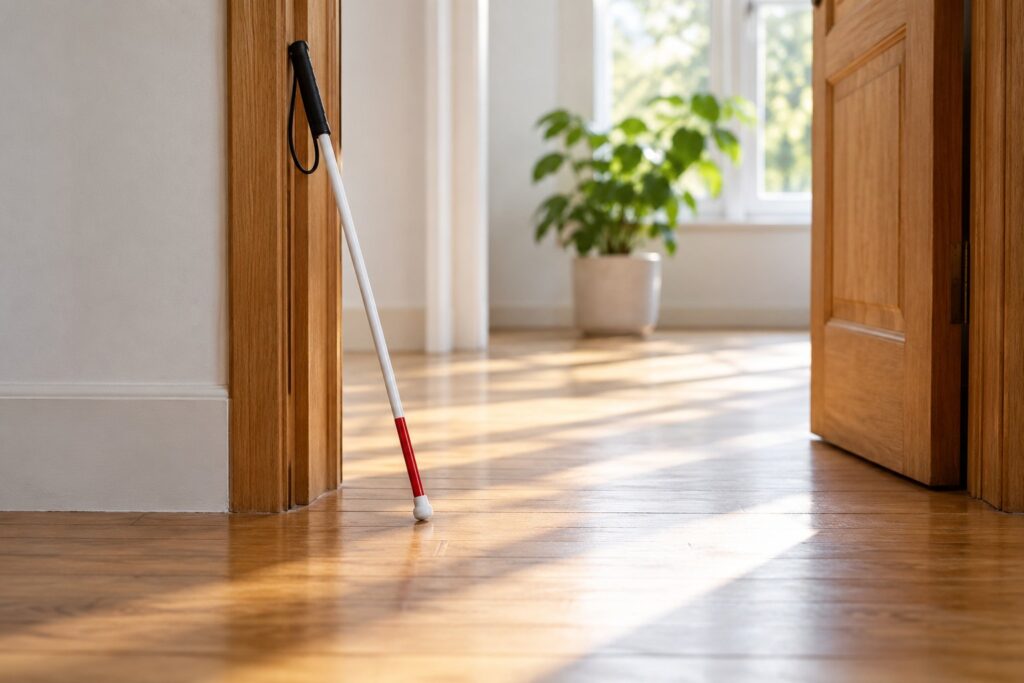
Google is direct about the limits. Its launch post says Guided Vision "is not a medical device, mobility aid, or white cane replacement, and it’s not intended for navigation, safe-travel guidance, or obstacle detection." The help page adds: "You’re solely responsible for your health and safety."
Other limits come from Gemini Live itself:
- It can make mistakes. Google says so in both the launch post and the help page.
- Mobile only. Gemini Live is not available in the Gemini web app.
- Android only, for now. Google’s posts mention Android and no iPhone version.
For event planners, that means Guided Vision can read a room sign once someone is there. It is not a way to get there.
What Google says about privacy
The launch post says only that your information "will be used in accordance with Google’s privacy policy." The detail sits in the Gemini Apps Privacy Hub, which covers all of Gemini Live, not Guided Vision alone.
Three points from that page:
- Recordings and transcripts of Gemini Live, including video you share, are stored in Gemini Apps Activity if Keep Activity is on.
- If Keep Activity is off, Live chats stay in your Google Account for up to 72 hours.
- “Your Gemini Live audio, video and screenshares are not used to improve Google services by default.” Transcripts are used to improve Google services, including AI models, when Keep Activity is on.
Google also asks users to "respect others’ privacy and ask permission before you record or include them in a Live chat." That matters at events, where the camera will often catch other attendees. Work and school accounts need access to Gemini Apps to use Live. For the admin side, see our post on Gemini defaults in Google Workspace.
How Guided Vision compares with other camera describers
Guided Vision joins a crowded field. These are the tools blind and low-vision people already use, based on each company’s own pages.
| Tool | Runs on | How it works | Cost, as stated |
|---|---|---|---|
| Guided Vision in Gemini Live (Google) | Android 9 and later | Live camera and voice conversation, with reframing cues | No price stated |
| Be My AI (Be My Eyes) | iOS, Android, Windows | Describes photos you take or upload, using OpenAI’s GPT model; can hand off to a human volunteer | Free |
| Seeing AI (Microsoft) | iOS, Android | Reads text, describes photos and identifies products | Free |
| Magnifier (Apple) | iPhone, iPad, Mac | Live scene descriptions; Point and Speak reads labels as you move a finger over them | Built into the device |
| Meta AI (Meta AI glasses) | Ray-Ban Meta and other Meta AI glasses | Hands-free descriptions and Call a Volunteer with Be My Eyes | Requires the glasses |
Be My AI. Be My Eyes’ help center says it is "powered by the multi-modal capabilities of the GPT language model from OpenAI." It works on still images.
Seeing AI. Microsoft’s Seeing AI site calls it "a free app that narrates the world around you."
Apple Magnifier. Apple’s vision accessibility page says Magnifier can give "live descriptions of the scenes detected in the camera view." Point and Speak needs a device with a LiDAR Scanner. With Apple Intelligence, users can ask follow-up questions.
Meta AI glasses. Meta said in May 2025 that detailed responses about your surroundings would roll out in the US and Canada. Call a Volunteer was set to launch in all 18 countries where Meta AI was supported.
Google’s emphasis is the coaching: Guided Vision tells you how to move the camera, in a live conversation.
What Guided Vision means for print, signage and screens
Every tool in that table reads the physical world. That includes the work your team ships off the web: conference programs, room signs, name badges, donation forms, posters and lobby screens.
Google has not published guidance on what helps Guided Vision read well. The points below are our own judgment.
- Contrast. Dark text on a light ground reads more easily than light gray on white or text over a photo.
- Type size and spacing. Tiny type on a badge or a dense agenda grid forces closer framing and more retries.
- Plain layout. One message per sign. Room names in the same place on every sign.
- Finishes. Glossy stock and backlit screens create glare. Matte finishes are easier to read at an angle.
- Words, not only icons. A describer can tell you a symbol is there. A word tells you what it means.
- Screens. Kiosks and slides that cycle quickly are hard to catch. Give important screens enough time and enough contrast.
For documents that live online, the better path is still an accessible file. Our accessible PDF checklist covers the documents that have to stay PDFs.
Guided Vision does not change WCAG
AI describers do not change what WCAG asks of your websites and documents. A camera pointed at a screen sees pixels. It does not see your alt attributes, heading structure, form labels or link text. Screen reader users depend on those, and Guided Vision does nothing for them.
The W3C’s images tutorial puts it plainly: "Images must have text alternatives that describe the information or function represented by them." The contrast rule in WCAG 2.2 success criterion 1.4.3 is 4.5:1 for normal text and 3:1 for large text. That is a useful benchmark for print too, even though WCAG covers web content.
The same goes for the tools your clients pay for. Automated scanners such as Deque’s axe and Siteimprove, and audit firms such as Level Access, test the site itself. A phone describer helps the visitor. It does not fix the site. Overlays are a separate question, covered in our AudioEye explainer. Video still needs captions too; see our post on transcription model retirements for captioning.
A short Guided Vision checklist for event and print teams
- Check contrast on print the way you check it on the web, aiming for at least 4.5:1 on body text.
- Publish the program online as accessible HTML or a tagged PDF, and say where to find it on the printed copy.
- Slow down rotating screens at registration and in lobbies.
- Keep writing alt text. Guided Vision does not read it, and screen reader users still need it.
- Try it yourself. If someone on your team has an Android phone, point Guided Vision at last year’s badge and program.
Frequently Asked Questions
What is Guided Vision in Gemini Live?
A camera mode in Gemini Live built for blind and low-vision users. It describes what your Android camera sees, answers questions out loud, and tells you how to move the camera when the shot is off. Google launched it on October 1, 2026.
Which phones support Guided Vision?
Android phones running Android 9 and later, with the Gemini app and Android system software up to date. Google’s posts mention no iPhone version.
Is Guided Vision free?
Google has not stated a price for Guided Vision. Gemini Live camera sharing, which it builds on, has been free on Android and iOS since May 2025, and the launch post mentions no paid plan.
Which countries and languages does Guided Vision support?
Google says it is available in regions and languages where Gemini Live is supported. It has not published a separate list. Google cites testing in India, Brazil, Singapore, Indonesia, Japan and other countries.
How do I turn on Guided Vision?
In the Gemini app, open Settings from your profile picture and turn on “Use Guided Vision in Live.” You can also set an Android accessibility shortcut, or open it from the TalkBack menu with a three-finger tap.
Can Guided Vision help someone get around a venue?
No. Google says it is not intended for navigation, safe-travel guidance or obstacle detection, and it is not a white cane replacement. It can read a sign once a person is there.
Does Google keep the video from Guided Vision?
Gemini Live recordings and transcripts are stored in Gemini Apps Activity if Keep Activity is on. If it is off, chats are kept for up to 72 hours. Google says Live audio and video are not used to improve its services by default.
Does Guided Vision mean we can skip alt text?
No. Guided Vision reads what a camera sees. It cannot see alt text, headings or form labels. Screen reader users still rely on them, and WCAG still applies.
How is Guided Vision different from Be My AI?
Be My AI, from Be My Eyes, describes still photos using OpenAI’s GPT model and can connect you to a human volunteer. Guided Vision works in a live camera conversation and coaches you on how to frame the shot.