GPT-5.6 went generally available on July 9, 2026, and if you have already read the overview and know roughly what it is, the next question is more useful: how do you actually use it well? This guide skips the definitions and focuses on the decisions you make every day, namely which tier to run, when to spend extra reasoning budget, and how to keep the bill from surprising you.
The short version is that GPT-5.6 is not one model but a family with three durable tiers and, on the top tier, two extra reasoning modes. Most of getting good with it comes down to matching the tier to the task instead of reaching for the most powerful option out of habit. If you want the conceptual background first, our companion piece on What Is GPT-5.6 covers the model itself; here we stay practical.
Getting started with GPT-5.6 by matching the tier to the task
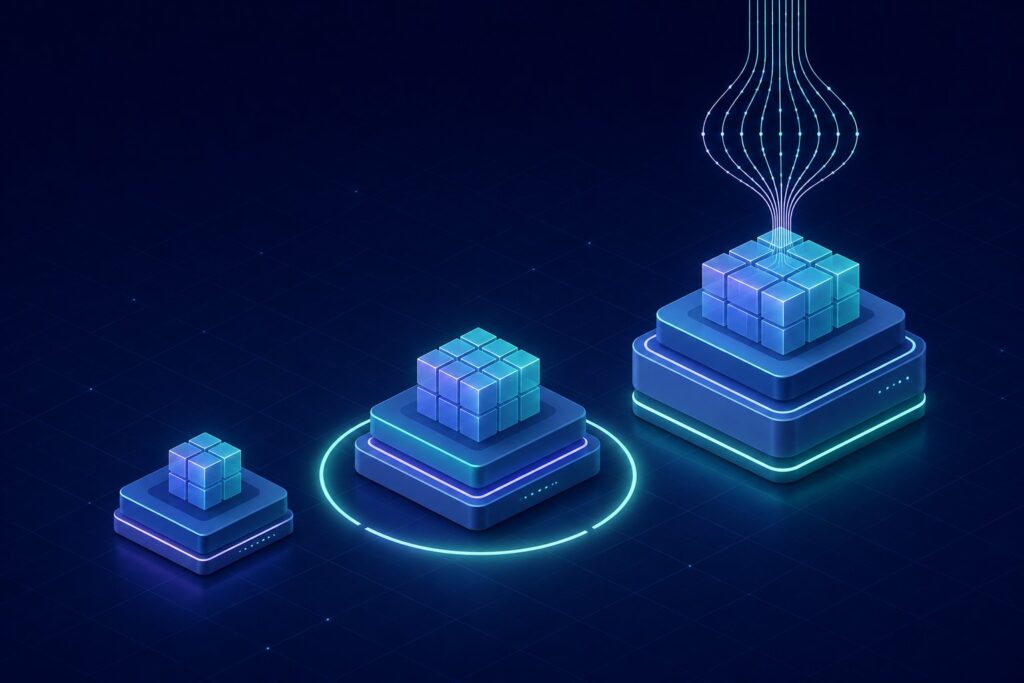
The single most important habit with GPT-5.6 is choosing a tier deliberately. There are three: Sol, Terra, and Luna. Sol is the flagship, tuned for the hardest reasoning, agentic work, coding, security, and biology problems. Terra is the balanced everyday option, competitive with the previous generation at roughly half the cost. Luna is the fastest and cheapest, built for high-volume, low-stakes work.
The instinct to always run the flagship is understandable and usually wrong. Sol costs several times more per token than Luna, and for a large share of routine prompts you will not notice the difference in output quality. A good default is to start one tier lower than you think you need and move up only when the result actually falls short. Pick the cheapest tier that clears the bar for the task in front of you, then stop.
Choosing between Sol, Terra, and Luna
Here is a rough decision guide you can apply without much ceremony.
- Reach for Sol when the task is genuinely hard. Multi-step agentic work, non-trivial coding across a real codebase, security analysis, or anything where a wrong answer is expensive. Sol is where the strongest reasoning lives, and it is also the only tier that offers the max and ultra modes described below.
- Default to Terra for everyday work. Drafting, summarizing, everyday coding help, research questions, and most business tasks. Terra is designed to be competitive with GPT-5.5 at about half the cost, which makes it the sensible middle for the majority of prompts.
- Use Luna for volume. Classification, tagging, short transformations, first-pass drafts, and any workload where you are running thousands of calls and each one is simple. Luna is the cheapest and fastest tier, and at scale that difference dominates your bill.
A practical way to think about it: Sol for the problems you would escalate to your most senior colleague, Terra for the work you would hand to a capable generalist, and Luna for the tasks you would automate without a second thought.
Using max and ultra, and when not to
Sol adds two reasoning modes on top of its normal operation. The max mode gives the model the most time to reason in a single pass, which helps on problems where more deliberate thinking produces a better answer. The ultra mode goes further: it coordinates subagents working in parallel and then integrates their results, which makes it the most capable option available.
Ultra is also the most expensive, and the reason is worth understanding. Running subagents in parallel multiplies token spend, because each subagent generates its own tokens and you pay for all of them plus the integration step. It is easy to burn through a budget quickly if you reach for ultra on tasks that did not need it.
The honest guidance is to treat max and ultra as tools you justify rather than defaults. If a normal Sol pass already clears the bar, you do not need max. If max clears it, you do not need ultra. Save ultra for the genuinely hard, high-value problems where the parallel approach earns its cost, and measure the result against the simpler modes before you make it a habit. Benchmarks can tell you a mode is capable in general; only your own task tells you whether the extra spend changed the answer.
What changes day to day coming from GPT-5.5
If you are moving up from the previous generation, the headline change is efficiency. On agentic coding, Sol is markedly more token-efficient than GPT-5.5, and it posts strong results on benchmarks like Terminal-Bench 2.1 while using fewer output tokens and less time. In practice that means agent runs that finish faster and cost less for the same or better outcome, which is a real change for anyone running long coding sessions or automated workflows.
The other shift is structural. Instead of picking a single model and living with its tradeoffs, you now choose a tier per task, and on Sol you choose a reasoning mode as well. That is more control, but it is also more decisions. The upside is that Terra gives you comparable quality to what you had before at roughly half the cost, so for a lot of everyday work the move to GPT-5.6 is cheaper, not more expensive, as long as you resist defaulting to the flagship.
Where you actually meet GPT-5.6
GPT-5.6 shows up in three places, and the right one depends on what you are doing.
- ChatGPT. The interactive surface for conversations, drafting, and one-off problem solving. This is where most people will use it, and where tier selection appears as a choice in the interface rather than a code parameter.
- Codex. The coding-focused environment, where the efficiency gains on agentic coding matter most. If your work is software, this is likely where you will spend the most time.
- The API. The programmatic surface for building GPT-5.6 into your own products and pipelines. This is where you set the tier explicitly, control output length, and manage cost at scale.
The model also powers ChatGPT Work, the autonomous work agent, so if you use that product you are already running GPT-5.6 under the hood whether or not you pick a tier by hand.
Managing cost without guessing
API pricing is per million tokens, and it varies sharply by tier. Sol is $5 for input and $30 for output. Terra is $2.50 input and $15 output. Luna is $1 input and $6 output. The pattern to internalize is that output costs several times more than input on every tier. That single fact should shape how you use the model.
A few concrete cost habits follow from it:
- Match the tier to the task. This is the biggest lever by a wide margin. Moving a routine workload from Sol to Terra or Luna cuts cost several-fold with little quality loss on tasks that were never hard.
- Cap your output. Because output is the expensive side, set a sensible maximum length and ask for concise answers. Long, rambling completions cost real money at scale.
- Watch the output-token multiplier. A verbose prompt is cheap; a verbose answer is not. If you understand the split, our explainer on input and output tokens is worth a read before you build anything high-volume.
- Use caching. If you send the same context repeatedly, caching it avoids paying to process the same input over and over, which adds up quickly in production.
None of this requires elaborate tooling. Picking the right tier and capping output length will get you most of the savings on their own.
A getting started checklist
If you want a simple path to competence, work through this once:
- Start on Terra. Run your normal work there for a few days and note where it genuinely falls short.
- Escalate only on failure. When Terra misses, try Sol. When Sol’s normal pass misses, try max, then ultra, in that order.
- Drop to Luna for volume. Move any simple, repeated task down to Luna and confirm quality holds.
- Cap output early. Set a maximum output length before you scale anything, because output is the costly side.
- Measure, do not assume. Compare a cheaper tier against a more expensive one on your real tasks rather than trusting benchmarks, which are a guide and not a promise for your specific workload.
Frequently Asked Questions
Which GPT-5.6 tier should I use by default?
Terra is the sensible default for everyday work. It is designed to be competitive with the previous generation at roughly half the cost, so it clears the bar for most tasks. Move up to Sol only when a task is genuinely hard, and drop to Luna for simple, high-volume work.
What is the difference between max and ultra on Sol?
Max gives the model the most time to reason in a single pass. Ultra coordinates subagents working in parallel and then integrates their results, which makes it the most capable option. Ultra is also the most expensive, because the parallel subagents multiply token spend.
Why does output cost more than input?
On every GPT-5.6 tier, the price per million output tokens is several times the input price. For example, Sol is $5 for input and $30 for output. Generating tokens is the expensive side, so capping output length and asking for concise answers is the fastest way to control cost.
Is GPT-5.6 cheaper than GPT-5.5 in practice?
It can be. Terra offers comparable quality at roughly half the cost, and Sol is markedly more token-efficient on agentic coding while using fewer output tokens and less time. The savings only materialize if you avoid defaulting to the flagship for work that a lower tier handles.
When is ultra worth the cost?
Reserve ultra for genuinely hard, high-value problems where a parallel, multi-subagent approach earns its expense. If a normal Sol pass or max already produces a good answer, ultra adds cost without adding value. Always compare the modes on your own task before making ultra a habit.
Where can I access GPT-5.6?
It is available across ChatGPT for interactive use, Codex for coding, and the API for building it into your own products. It also powers ChatGPT Work, the autonomous work agent, so some products run it for you without an explicit tier choice.
Should I trust the benchmark numbers?
Treat them as a guide, not a guarantee. Benchmarks describe general capability and efficiency, but your workload is specific. The reliable approach is to test a cheaper tier against a more expensive one on your real tasks and let the results, not the leaderboard, decide.