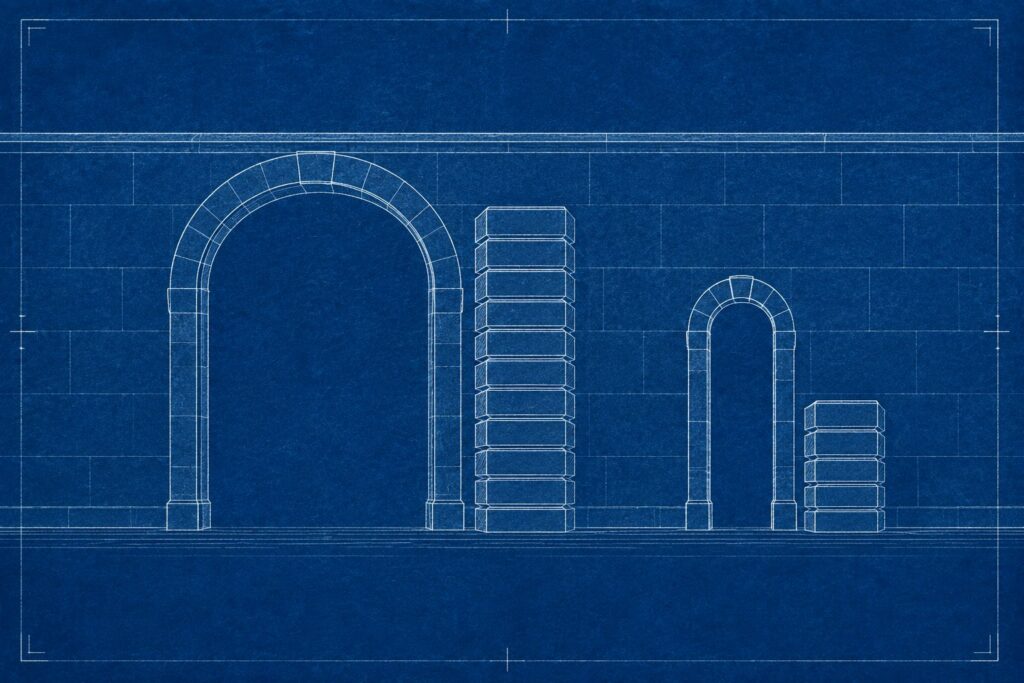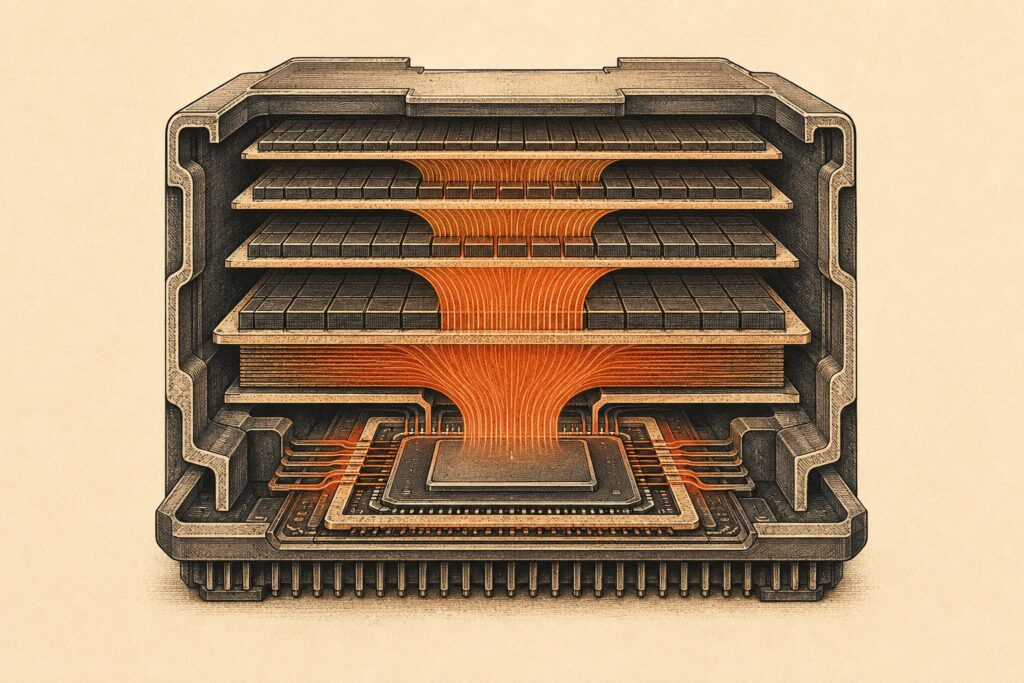
Picking hardware for AI agents is mostly a memory problem, not a math problem. The instinct is to shop for raw speed and compare the teraFLOPS number on the box. In practice, the things that decide whether a model runs at all, and how fast it answers, are how much memory the machine has and how quickly it can move data through that memory. This guide covers what inference actually requires: how it differs from training, why capacity and bandwidth bind before arithmetic does, how quantization changes what fits, what long context costs you, and when running locally beats calling an API.
Training and inference are two different bills
Training is the one-time process of building a model by adjusting billions of parameters across weeks on a tightly connected cluster. Inference is what happens every time you use the finished model. We cover the economics of that split in what compute means for AI, but the hardware consequence is simple: training needs far more memory per parameter than inference does, because it has to hold optimizer states and gradients alongside the weights.
NVIDIA’s own positioning for its 128 GB desktop system, DGX Spark, makes the gap concrete. NVIDIA lists the same machine as suitable for fine-tuning models up to 70 billion parameters and for inference on models up to 200 billion parameters (NVIDIA). Same box, roughly triple the model size, purely because inference has a lighter memory footprint.
Agents raise the stakes on the inference side specifically. As we explain in our guide to AI agents, an agent does not make one model call per task. It plans, calls a tool, reads the result, re-reads its own history, and calls again. A single user request can turn into a dozen model invocations with a context window that grows at every step. Your hardware is not sized for one prompt; it is sized for a loop.
Memory capacity is the first gate
Before speed matters, the weights have to fit. A model’s memory footprint is roughly the parameter count multiplied by the bytes per parameter, plus overhead. At 16-bit precision the llama.cpp project documents Llama 3.1 at 32.1 GB for the 8B model, 280.9 GB for the 70B, and 1,625.1 GB for the 405B (llama.cpp docs).
That is why capacity, not FLOPs, is the number on the spec sheet that most often decides your shortlist. NVIDIA’s H200 accelerator carries 141 GB of HBM3e memory (NVIDIA). A consumer card carries a fraction of that. When a model does not fit, runtimes degrade rather than fail: Ollama’s documentation explains that a model too large for one GPU gets spread across several, and that ollama ps will report a split such as 48%/52% CPU/GPU when part of the model has landed in system memory (Ollama docs). Once that happens, the slowest memory in the chain sets your speed.
Bandwidth sets the speed
Generating text is memory-bound work. To produce each token, the machine has to read the active weights out of memory and do relatively little arithmetic with them. Double the memory bandwidth and, to a first approximation, you double the tokens per second. Double the FLOPs without touching bandwidth and you often gain very little.
llama.cpp’s own quantization benchmark table for Llama 3.1 8B shows the pattern cleanly. The 16-bit build occupies 14.96 GiB and generates about 29 tokens per second; the same model at Q4_K_M occupies 4.58 GiB and generates about 72. Prompt processing, which is compute-bound rather than bandwidth-bound, stays in the 750 to 920 tokens per second range across every format (llama.cpp docs). The project does not state which hardware produced those figures, so treat the ratios as illustrative rather than as a spec.
The vendor numbers show how wide the bandwidth spread is between machines that look similar on capacity. NVIDIA rates the H200 at 4.8 TB/s and the 128 GB DGX Spark at 273 GB/s. Apple lists the Mac Studio at 410 GB/s or 546 GB/s for M4 Max configurations and 819 GB/s for M3 Ultra (Apple). A desktop unified-memory box and a data center accelerator can hold comparably sized models and still differ by more than an order of magnitude in how fast they emit tokens.
Quantization changes what fits
Quantization stores each weight in fewer bits. It is the single highest-leverage lever a builder has, because it cuts both the capacity requirement and the bandwidth requirement at the same time. The llama.cpp figures again: Llama 3.1 8B drops from 32.1 GB to 4.9 GB at Q4_K_M, the 70B from 280.9 GB to 43.1 GB, and the 405B from 1,625.1 GB to 249.1 GB.
The cost is accuracy. The llama.cpp documentation is direct about it, noting that quantization "may introduce some accuracy loss," measured in perplexity and Kullback-Leibler divergence and reducible with an importance matrix during conversion. Its published table puts Q4_K_M at about 4.89 bits per weight and Q8_0 at about 8.5.
The practical reading for an agent builder: 8-bit is a low-risk way to halve your memory bill, 4-bit is where most local deployments land, and anything below 4-bit is a real quality decision rather than a free win. Agents stress the failure modes that quantization tends to surface first, because tool calls and structured output have to be exactly right rather than approximately right. Test on your own task before you commit hardware to a quantization level.
Context length and the KV cache
The second memory consumer is the KV cache, the stored attention keys and values for every token already in the conversation. It is not optional and it is not small. The vLLM team, describing the problem their PagedAttention design was built to solve, put the KV cache at up to 1.7 GB for a single sequence on LLaMA-13B and called it "large" and "dynamic" because it grows with sequence length (vLLM). Their SOSP 2023 paper reports that managing it properly delivered 2 to 4 times the throughput of the then state of the art at the same latency (Kwon et al.).
Agents are long-context workloads by nature. Tool output, retrieved documents, file contents, and the running history all live in the window, and every token of it occupies cache. Three practical controls exist. Ollama defaults to a 4096-token context and exposes OLLAMA_CONTEXT_LENGTH to raise it, warns that parallel request handling multiplies the allocation (a 2K context with 4 parallel requests becomes an 8K allocation), and supports quantizing the cache itself: q8_0 uses roughly half the memory of the f16 default and q4_0 roughly a quarter, with Flash Attention enabled (Ollama docs).
Budget the cache explicitly. A model that fits in your VRAM at 4K context may not fit at 128K, and the failure shows up as an eviction or a CPU spill rather than a clear error. The token accounting behind all of this is worth understanding on its own, which we cover in input versus output tokens.
Batching, throughput, and latency pull in opposite directions
Batching multiple requests together lets the machine read each weight once and use it for every request in the batch. That is why throughput per GPU rises sharply with batch size while the wall-clock time for any individual request gets worse. You cannot optimize both at once, so decide which one your workload is graded on.
MLCommons formalizes exactly this distinction in MLPerf Inference, which defines separate scenarios (Server, Offline, Single-stream, Multi-stream) each with its own load pattern, metric, and latency constraints (MLCommons). A single-user coding agent is a single-stream, latency-first problem. A background pipeline that classifies ten thousand documents overnight is an offline, throughput-first problem. Buying for the wrong one is a common and expensive mistake.
Hardware for AI agents: GPU, unified memory, or CPU
Discrete GPUs give the highest bandwidth and the hardest capacity ceiling. HBM-class memory is fast and expensive, so you get 24, 48, 96, or 141 GB rather than hundreds. Ollama’s scheduler will only load models concurrently when each fits entirely in VRAM, which makes the ceiling a real operational constraint rather than a spec-sheet detail.
Unified memory systems share one large pool between CPU and GPU. AMD’s Ryzen AI Max+ 395 supports up to 128 GB of memory on a 256-bit LPDDR5x-8000 interface (AMD), which we looked at in detail in our piece on that chip. NVIDIA’s DGX Spark pairs 128 GB with 273 GB/s. Apple’s M-series sits at the high end of the category for bandwidth. The trade is consistent: large models fit that would never fit on a consumer GPU, and they run slower than they would on HBM.
CPU-only inference works and is a legitimate answer for small models, embedding workloads, and batch jobs where latency does not matter. Typical desktop DDR5 bandwidth sits roughly an order of magnitude below GPU memory, so expect single-digit tokens per second on anything large.
A fourth category exists but is mostly not for sale. Hyperscalers design their own inference silicon, such as the Meta accelerators we cover in Meta’s MTIA chips. Those parts are captive to their owner’s infrastructure; you consume them through a cloud, not by buying a card.
When local inference beats an API
Local wins when at least one of these is true. The data legally or contractually cannot leave your environment. The load is steady enough to keep expensive hardware busy, because idle hardware costs the same as busy hardware. The per-token bill at your volume exceeds amortized hardware plus power. You need to run without a network. Or you are doing high-iteration experimentation where per-call pricing punishes curiosity.
An API wins when you need frontier-model capability that no open-weight model matches, when load is spiky and unpredictable, when nobody on the team wants to own driver versions and serving stacks, or when model churn is fast enough that hardware bought for today’s model is mis-sized for next quarter’s.
The most common analytical error is comparing hardware cost against API cost at peak utilization. Run the comparison at your realistic average instead. A workstation that is busy four hours a day is a very different investment case from one that is busy twenty.
A reasonable sequence for choosing hardware for AI agents: pick the model you actually intend to run, decide the quantization level you can accept after testing, add the KV cache for the longest context you will genuinely use multiplied by your concurrency, and only then shop for a machine whose memory capacity clears that total. Sort the remaining candidates by memory bandwidth. FLOPs matter, but they are the last tiebreaker, not the first filter.
Frequently Asked Questions
How much VRAM do I need to run an AI agent locally?
Start from the model, not the hardware. Take the parameter count, multiply by the bytes per parameter at your chosen quantization (roughly 0.5 bytes at 4-bit, 1 byte at 8-bit, 2 bytes at 16-bit), then add headroom for the KV cache and runtime overhead. As a reference point, llama.cpp documents Llama 3.1 8B at 4.9 GB when quantized to Q4_K_M and 32.1 GB at full 16-bit precision.
What matters more, memory capacity or memory bandwidth?
Capacity decides whether the model runs at all; bandwidth decides how fast it answers. Capacity is the filter you apply first, because a model that does not fit either spills into slower memory or fails to load. Once several machines clear the capacity bar, bandwidth is the number that separates them, since token generation is memory-bound rather than compute-bound.
Does quantization hurt model quality?
Yes, though how much depends on the model, the format, and the task. The llama.cpp documentation states that quantization may introduce accuracy loss, measured in perplexity and Kullback-Leibler divergence, and that an importance matrix during conversion reduces it. In practice 8-bit is a conservative choice and 4-bit is the common landing spot for local deployment. Formats below 4-bit trade noticeably more quality for memory.
What is the KV cache and why does it matter for agents?
The KV cache holds the attention keys and values for every token already processed, so the model does not recompute them for each new token. It grows with context length and with the number of concurrent requests. vLLM’s team measured it at up to 1.7 GB for a single sequence on LLaMA-13B. Agents carry long contexts full of tool output and history, so the cache can rival the weights as a memory line item.
Can I run agent inference on a CPU?
Yes, within limits. Runtimes such as Ollama and llama.cpp run on CPU and will fall back to it automatically when a model does not fit in GPU memory. System memory bandwidth is roughly an order of magnitude below GPU memory bandwidth, so CPU inference suits small models, embedding generation, and batch work rather than interactive agents.
Is unified memory a better buy than a discrete GPU?
It depends on which constraint binds. Unified-memory systems from Apple, AMD, and NVIDIA offer far more addressable memory than a comparably priced GPU, so bigger models fit. They also offer less bandwidth than HBM-class accelerators, so those models generate tokens more slowly. Buy unified memory when model size is the blocker and a discrete GPU when speed is.
Should I optimize for latency or throughput?
Pick one based on the workload. Interactive agents serving a single user are latency problems, and small batches with fast memory win. Pipelines processing large volumes offline are throughput problems, and large batches on fewer accelerators win. MLPerf Inference formalizes the split into separate scenarios precisely because a system tuned for one will not lead the other.