ChatGPT Images 2.6 is OpenAI’s new image generation model in ChatGPT, released November 4, 2026. It makes images faster and keeps details steady across edits, such as a character’s outfit when you change the background. The same release adds GIF creation and saved reference images you can call by name in later chats.
This piece walks through what changed, who gets it, how GIFs and reference images work, what OpenAI says about data and provenance labels, and where the API fits. It ends with the calls agencies, nonprofits, associations and campus communications teams should make before staff start using it for public work.
The short version: ChatGPT Images 2.6 is on every ChatGPT plan, and GIFs are still rolling out. Saved references make repeat characters and products easier. They also make it easy to store a photo of a real person. Set a consent rule for staff photos before anyone saves one. Keep the provenance labels intact when you publish. Use it for drafts and quick social assets, and keep designers on brand work.
What ChatGPT Images 2.6 changes
OpenAI’s ChatGPT release notes for November 4 describe three changes. The new model "creates images faster and is better at preserving details across edits." GIF creation is rolling out. Saved reference images let you reuse a photo in later chats.
The Introducing Images 2.6 announcement adds detail. OpenAI says Images 2.6 generates images 50% faster than before. It also says it keeps "characters, products, and brand details consistent" as you edit. The same post says people now create 4 billion images per week across ChatGPT, Codex and the API.
OpenAI’s Images in ChatGPT help article covers the basics that carry over from earlier versions. You can describe an image in a chat, or upload a photo and describe changes. The editor lets you select an area to change, though OpenAI warns that "edits may extend beyond the area you selected."
Who gets ChatGPT Images 2.6
According to the announcement, Images 2.6 "is available globally today in ChatGPT and Codex across all subscription tiers on desktop, mobile, and web." The help article says ChatGPT Images is available on all tiers. It also says "Images with thinking" is on Plus, Pro and Business and is "coming to Enterprise and Edu soon."
Plans differ in how much you can make. OpenAI’s ChatGPT pricing page describes image use in plain terms, without numbers:
| Plan | Image creation, per OpenAI’s pricing page | Images with thinking |
|---|---|---|
| Free | Limited image creation | Not listed |
| Go | More image creation | Not listed |
| Plus | More complex and accurate image creation | Yes |
| Pro | Unlimited and faster image creation | Yes |
| Business | Included on all tiers | Yes |
| Enterprise and Edu | Included on all tiers | Coming soon |
OpenAI does not publish a per-plan image count in the help article, as of November 9, 2026. GIF creation is "rolling out," so some accounts will not see it yet. OpenAI has not said which plans get saved reference images first, or whether workspace admins can turn either feature off.
How to make a GIF with ChatGPT Images 2.6
The help article gives the steps. Ask for a looping GIF and describe what should move. OpenAI’s example is "Make a looping GIF of a paper boat bobbing on the water." You can also upload a still image and ask ChatGPT to animate it.
To change a GIF that ChatGPT made, describe the edit in the same chat. Open the GIF to adjust playback speed, save it, or share it. One limit matters for social teams: "ChatGPT can’t edit an animated GIF you upload."
The announcement pitches GIFs for brand mascots, social reactions and animated storyboards "before video production."
OpenAI’s Images 2.6 system card says GIFs bring risks still images do not, such as "harmful meaning conveyed across frames." It says GIF rules block some content "more broadly than in still images." Expect more refusals than with stills.
How saved reference images work
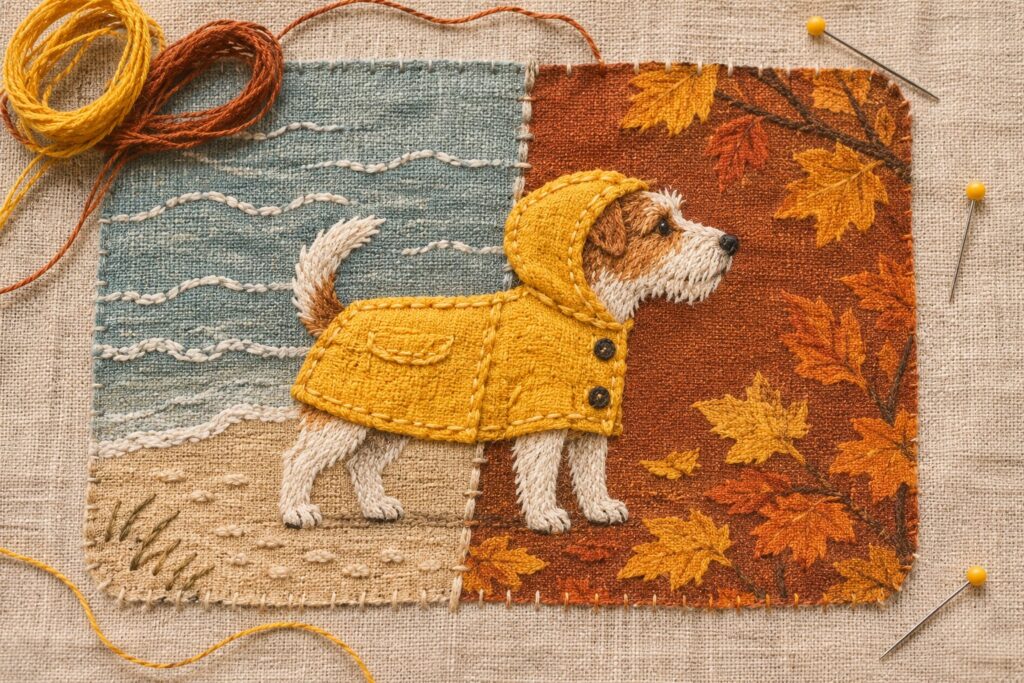
Saved references are the part of ChatGPT Images 2.6 most likely to change daily habits. Per the help article, you upload a photo and ask ChatGPT to save it as a reference. ChatGPT may also offer to save one when you describe it. You choose a name. In a later chat, you type @ and the name. OpenAI’s example is a dog saved as Pepper, then "Make a watercolor portrait of @Pepper."
For our readers, the obvious uses are repeat subjects:
- A mascot or illustrated character that shows up in every campaign.
- A product photo, such as a conference tote or a book cover.
- A building or venue shot used across event graphics.
The help article does not say where saved references are listed or how to delete one. OpenAI’s October 1 release note on virtual try-on points to Settings, then Personalization, then Reference photos, for the selfie that feature saves. OpenAI has not confirmed that @ references live in the same place, as of November 9, 2026. Check your own account before you promise staff they can remove a photo.
Real people, consent and brand rules
A saved reference can be a photo of a person. That is where agencies and nonprofits need a written rule.
That line appears in OpenAI’s usage policies, both the October 29, 2025 version and the version effective November 20, 2026. The same policies bar "deceit, fraud, scams, spam, or impersonation." The system card lists "fabricated or compromising depictions of real people" among the categories its safeguards test against.
A practical rule covers who may save reference photos, which photos are allowed, and where consent is recorded. Add a ban on placing real people in scenes they were never in.
Brand rules matter too. Output from a saved logo or mascot can drift, so check it against your brand guide.
Data handling and who sees your uploads
OpenAI’s enterprise privacy page says that for Business, Enterprise, Edu and API data, "We do not train our models on your data by default." Personal accounts work differently. OpenAI’s Data controls help article says that on Free, Plus or Pro, "data sharing is enabled by default." You can turn off "Improve the model for everyone" in Settings, then Data controls.
That difference matters for reference photos. If staff save a colleague’s photo on a personal Plus account, your workspace terms do not cover it. Keep work images in the work workspace.
Every image you make with ChatGPT Images 2.6 is saved under Images, per the help article. To delete one, you delete the chat where it was made.
ChatGPT Images 2.6 provenance labels
Every image carries two kinds of label. OpenAI’s provenance help article says images made with ChatGPT, Codex or the API include both Content Credentials and SynthID watermarks. Content Credentials use the C2PA standard, which is why people call them "C2PA metadata." SynthID is an invisible watermark from Google DeepMind. The system card confirms both for Images 2.6.
Each label has limits. OpenAI says Content Credentials "can be lost through everyday actions, such as taking a screenshot or converting a file." Heavy cropping or compression can make the watermark undetectable. Anyone can check a file at openai.com/verify.
Two points for publishers. First, OpenAI says these signals "do not replace visible labels, banners, or other notices that may be required." Decide your own disclosure line. Second, keep the original export. Your CMS may strip metadata when it resizes uploads. Our explainer on AI content watermarking and our post on what editors can verify cover the background.
The API side: Sunburst, Flare and pricing
Developers get two models. The announcement names GPT-Image-2.6 Sunburst and GPT-Image-2.6 Flare. Flare can produce an image "in as little as six seconds" when quality is set to low. Sunburst targets higher quality and "even greater image consistency across edits" at medium or high quality.
OpenAI’s image generation guide says both models support complexity control, markup-guided edits, SVG output and animated GIF output. Complexity has three levels: low, medium and high. If you omit it, both models use high, and the guide says adjusting it "has no separate fee." The guide also notes you may need API Organization Verification first.
Prices come from OpenAI’s API pricing page, per 1 million tokens, as of November 9, 2026. Both models list image input at $8.00, image output at $30.00 and cached image input at $2.00. Text input is $5.00, with cached text at $1.25. Those match the Images 2.5 rates on the same page.
How Google and others compare
Google and other labs have shipped image tools this year too, so ChatGPT Images 2.6 has company. We covered Google’s Gemini image model in What Is Nano Banana?, its text-to-image model in What Is Google Imagen?, and the Labs app in Google Dreambeans. Outside Google, see FLUX 3, Midjourney V8.2 and Recraft V4.1 SVG generation. We have not tested them side by side with Images 2.6. Marketers should also read how ChatGPT visual ads appear during image generation.
When to use it and when to call a designer
ChatGPT Images 2.6 suits fast, low-stakes work:
- Concept sketches and mood boards for a client kickoff.
- Social reaction GIFs and event countdown graphics.
- Storyboards before a video shoot.
Keep a designer on work that has to last or carry legal weight:
- Logos and brand identity, where you need clean, owned source files.
- Print production with exact color and bleed.
- Annual reports, donor appeals and anything showing real people.
- Accessible graphics, where text in images needs a real alternative.
What to decide this week
- Write a one-page rule on saved reference photos and consent.
- Tell staff to use work accounts, not personal ones, for client and member images.
- Pick a disclosure line for AI images on your sites and social channels.
- Test whether your CMS strips Content Credentials on upload.
- If you build on the API, try Flare at low complexity for edits and price a month of use.
Frequently Asked Questions
What is ChatGPT Images 2.6?
ChatGPT Images 2.6 is OpenAI’s image model in ChatGPT, Codex and the API, released November 4, 2026. OpenAI says it is 50% faster and keeps details more consistent across edits.
Is ChatGPT Images 2.6 free?
Yes, in a limited form. OpenAI says ChatGPT Images 2.6 is available across all subscription tiers, including Free. The pricing page lists “Limited image creation” for Free and more for paid plans.
Why can’t I see GIF creation yet?
OpenAI says GIF creation is still rolling out in ChatGPT. Some accounts will get it later than others.
Can ChatGPT edit a GIF I upload?
No. OpenAI’s help article says ChatGPT cannot edit an animated GIF you upload. It can animate a still image or edit GIFs it made.
How do I use a saved reference image?
Upload a photo, ask ChatGPT to save it as a reference and give it a name. In a later chat, type @ and the name in your prompt.
Can I save a photo of a coworker as a reference?
Only with their consent. OpenAI’s usage policies bar using someone’s photorealistic likeness without consent in ways that could confuse authenticity. Record that consent in writing.
Do ChatGPT images carry C2PA metadata?
Yes. OpenAI says images from ChatGPT, Codex and the API include Content Credentials and SynthID watermarks. Screenshots or file conversion can strip the metadata.
What are Sunburst and Flare?
They are the two API models. Flare is built for speed. Sunburst targets higher quality and consistency across edits. Both list the same token prices.
Does OpenAI train on images my team uploads?
For Business, Enterprise, Edu and API data, OpenAI says it does not train on your data by default. On personal Free, Plus or Pro accounts, sharing is on by default and you can turn it off.